把图片(及视频)放在内容条目下的文件夹里,再在 Markdown 中声明画廊。运行时会把 ::gallery 展开为静态媒体块。媒体跟条目走,不必为这组文件另建站点级 CDN 目录。
需要包含 gallery folder expand 的 Web Device 运行时(arc#3676 / ::gallery{folder})。若指令未展开,先升级服务端 ARC 构建,再判断样例是否损坏。
最小示例
::gallery{folder="media" layout="grid" cols="3"}- 在内容对象的
content.md旁创建media/(或条目下的其他相对路径文件夹)。 - 放入图片(
jpg/jpeg/png/webp/gif/avif/svg;视频:mp4/webm)。 - 文件名按字典序即展示顺序(如
01-…、02-…)。 - 渲染该内容对象;指令会展开为 media-gallery 块。
本页样例使用 ./media/,图片随仓库发布(无外链)。
参数
| 属性 | 取值 | 默认 | 说明 |
|---|---|---|---|
folder | 条目相对路径 | —(必填) | 解析在内容条目目录下。拒绝 .. 与绝对 URL。 |
layout | 见下表 | large | 同一文件夹的呈现模式。 |
cols / columns | 2–6 | grid 时为 3 | 仅 layout=grid 生效。 |
lightbox | true / false | 浏览布局默认开;large / stage / story 默认关 | 点击全屏;←/→ 只在当前画廊内翻页。 |
intro / lede | true / false | 浏览布局默认关;沉浸布局默认开 | 可选文件夹 content.md 作导语。 |
ratio | 1:1、16/9、4x3、square 等 | — | 定尺寸 plate 的 CSS aspect-ratio。别名:aspect、aspectRatio。 |
width / w | CSS 长度(24rem、100%、min(100%,36rem);纯数字按 px) | 仅有 ratio 时:min(100%,36rem) | plate 宽。拒绝可注入形态的字符串。 |
height / h | CSS 长度(50vh、400px 等) | — | plate 高。可单独或与 ratio / width 组合。 |
layout 别名:expose / slideshow → stage;magazine → story;diptych / two → pair;bento / hero-grid → mosaic;contact / sheet / thumb → film。
定尺寸 plate(ratio · width · height)
stage / expose / story(以及 large)默认是全视口或全宽高度。文内 demo——方形 Live Photo 感、固定 hero 高度、或阅读栏内的盒子——可任选组合 ratio、width、height。运行时写出 data-sized="true" 与 CSS 变量;媒体在盒子内 object-fit: cover。
| 写法 | 示例 | 效果 |
|---|---|---|
| 仅 ratio | ratio="1:1" | 方块;宽默认 min(100%, 36rem) |
| ratio + width | ratio="16:9" width="100%" | 宽屏、占满内容栏宽 |
| 仅 height | height="50vh" | 固定高度;未写 width 时宽为内容栏 100% |
| width + height | width="32rem" height="18rem" | 显式盒子;ratio 可选 |
::gallery{folder="media" layout="stage" ratio="1:1"}
::gallery{folder="media" layout="stage" ratio="16:9" width="100%"}
::gallery{folder="media" layout="stage" height="40vh"}
::gallery{folder="media" layout="large" width="24rem" height="16rem"}
作用范围: 定尺寸 CSS 作用于 stage / expose / story / large。浏览布局(grid、mosaic 等)不靠这些属性改瓦片几何。非法 ratio 或尺寸串会被丢弃(画廊仍以未定尺寸方式有效渲染)。
需要包含 sized-plate CSS 的 Web Device 运行时(gallery 的 ratio / width / height)。旧构建仍会展开画廊,但 stage 保持全视口。
布局一览
| layout | 作用 | 典型用途 |
|---|---|---|
mosaic | Bento:首图 2×2,其余填空 | 主图 + 陪衬 |
pair | 双联(桌面 4,手机堆叠) | 前后对比、对仗 |
grid | 等格;cols 控制密度 | 编辑部图组 |
masonry | 分栏、自然高度 | 混合画幅 |
film | 紧接触摸式 contact sheet | 快速扫一眼整组 |
large | 全宽叠放 | 每张单独透气 |
stage | 全视口 plate + 图上叠加文案 | 沉浸式 plate 序列 |
expose | stage 的别名 | 与 stage 相同(Expose 风格命名) |
story | 全宽滚动 plate + 图上说明 | 杂志式滚动 |
封面 + 短视频配对(同名或 sidecar video: / poster:)在含 arc#3764 的运行时上,会让 stage/expose/story 的 plate 进入静音循环沉浸。专门写法和可运行样例见:沉浸式视频画廊(Expose 风格)。
可运行样例(同一文件夹)
以下均使用本页的 folder="media"。
Mosaic
::gallery{folder="media" layout="mosaic"}One folder. One set of plates. Choose the layout in the directive.
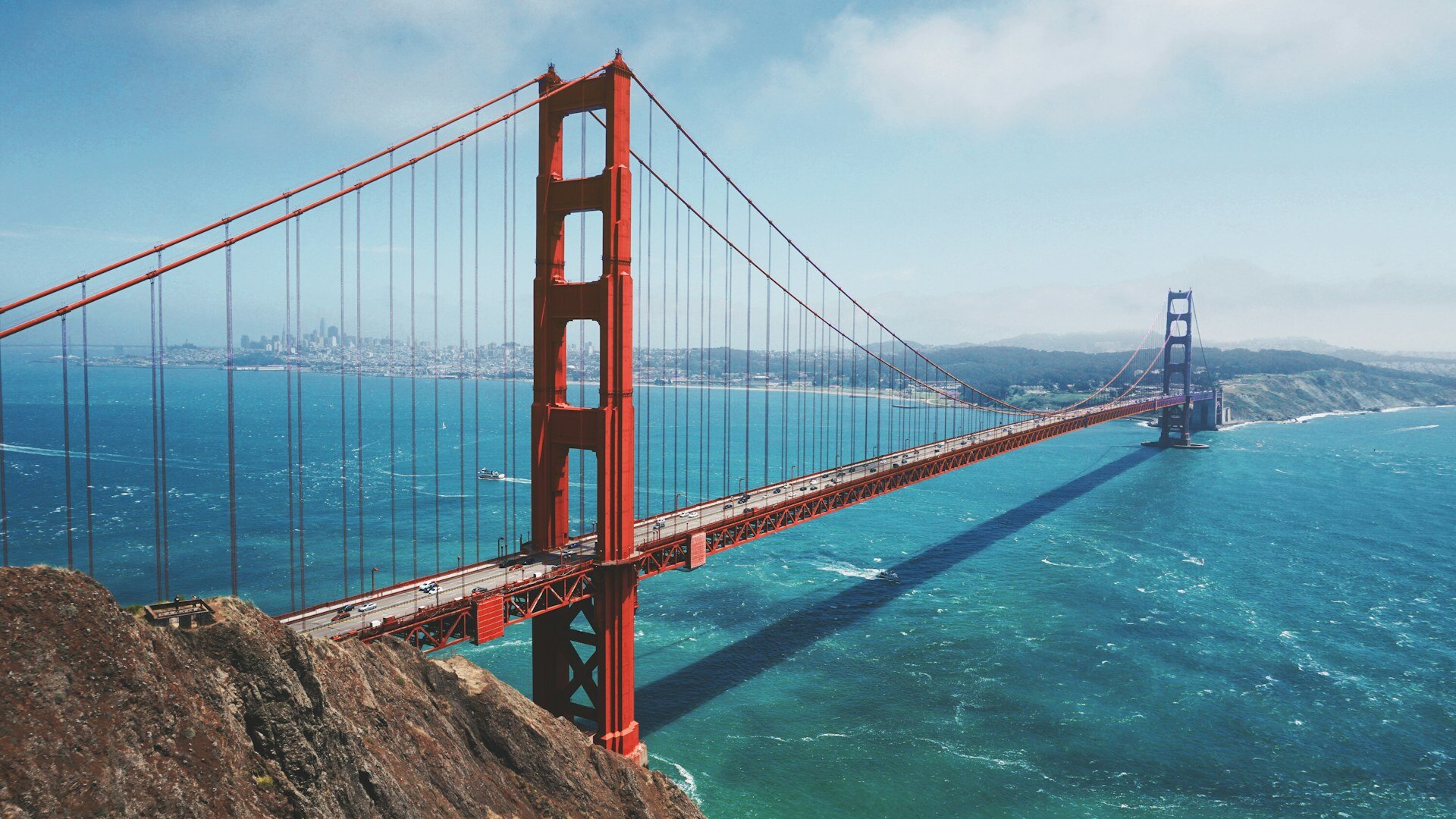
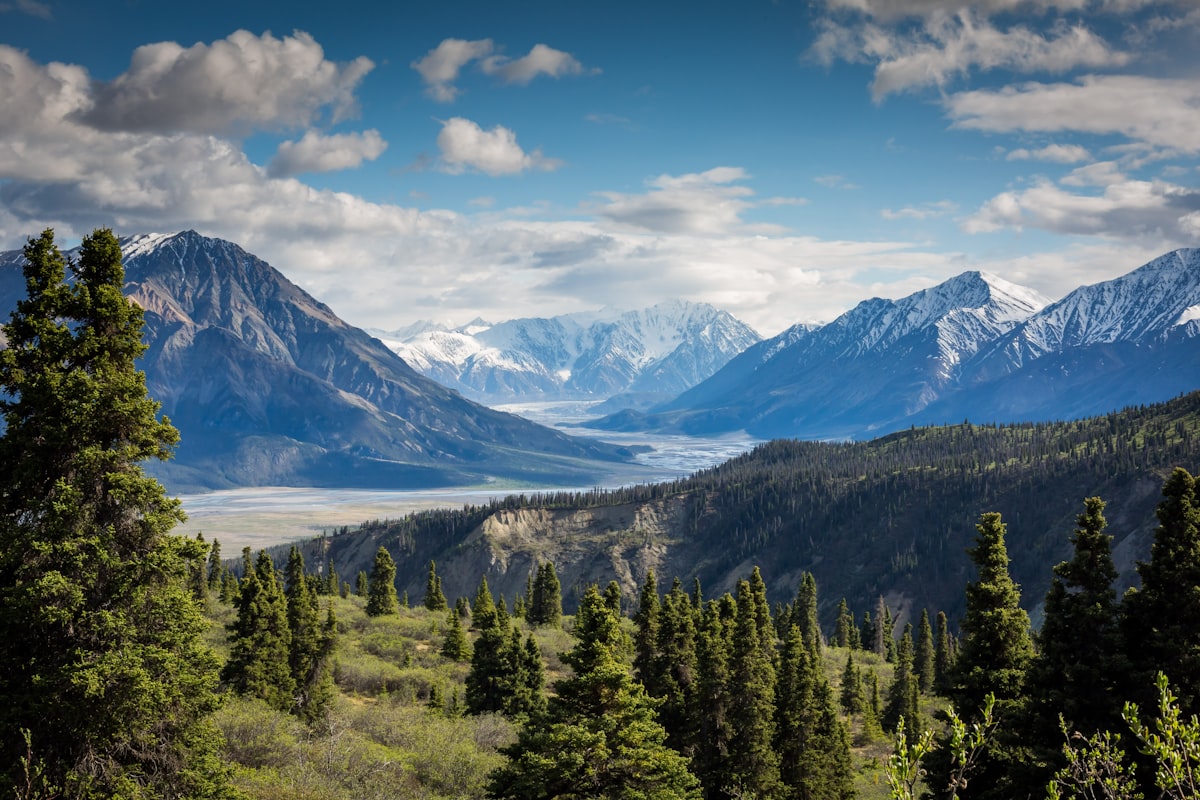
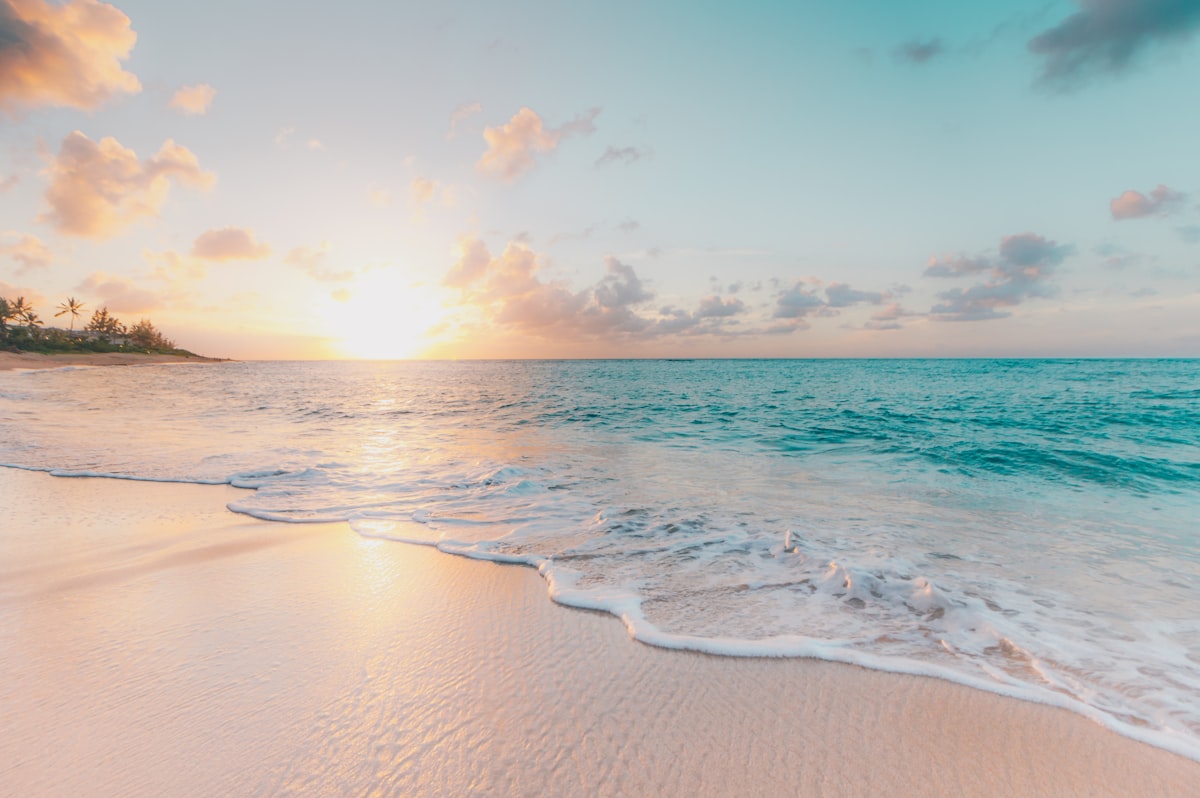

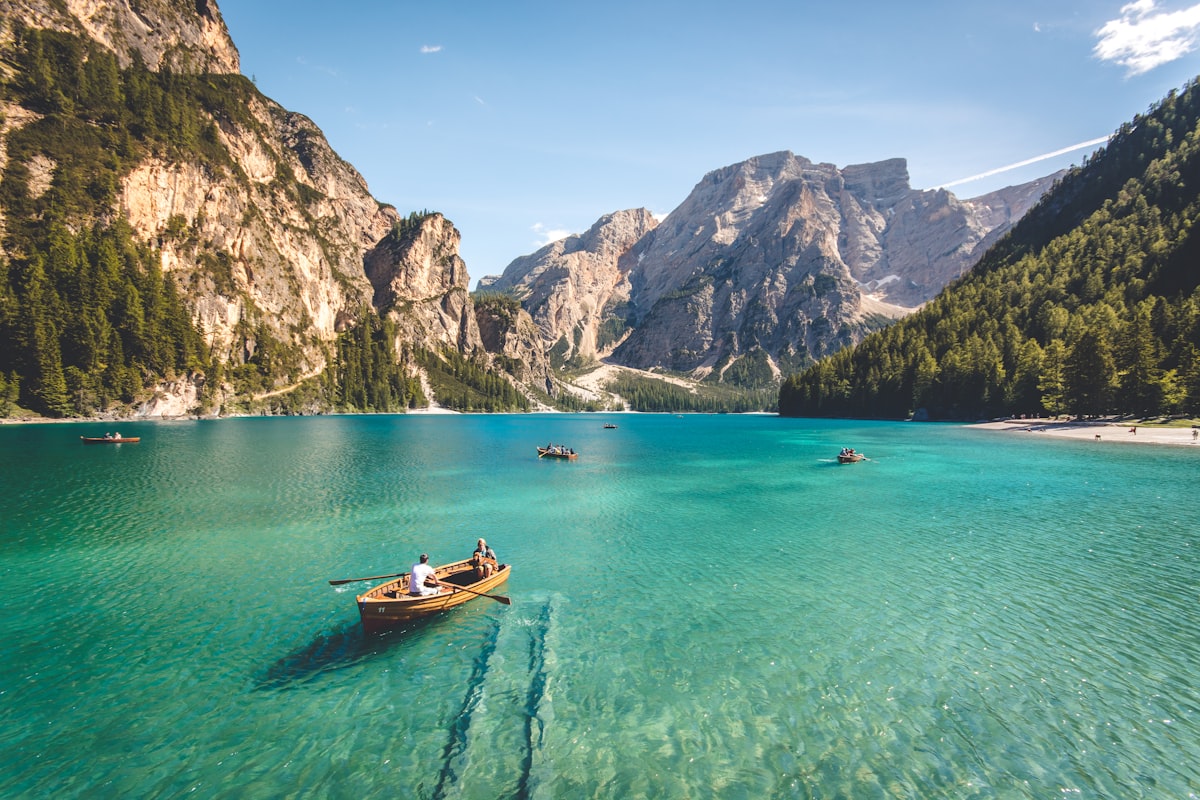
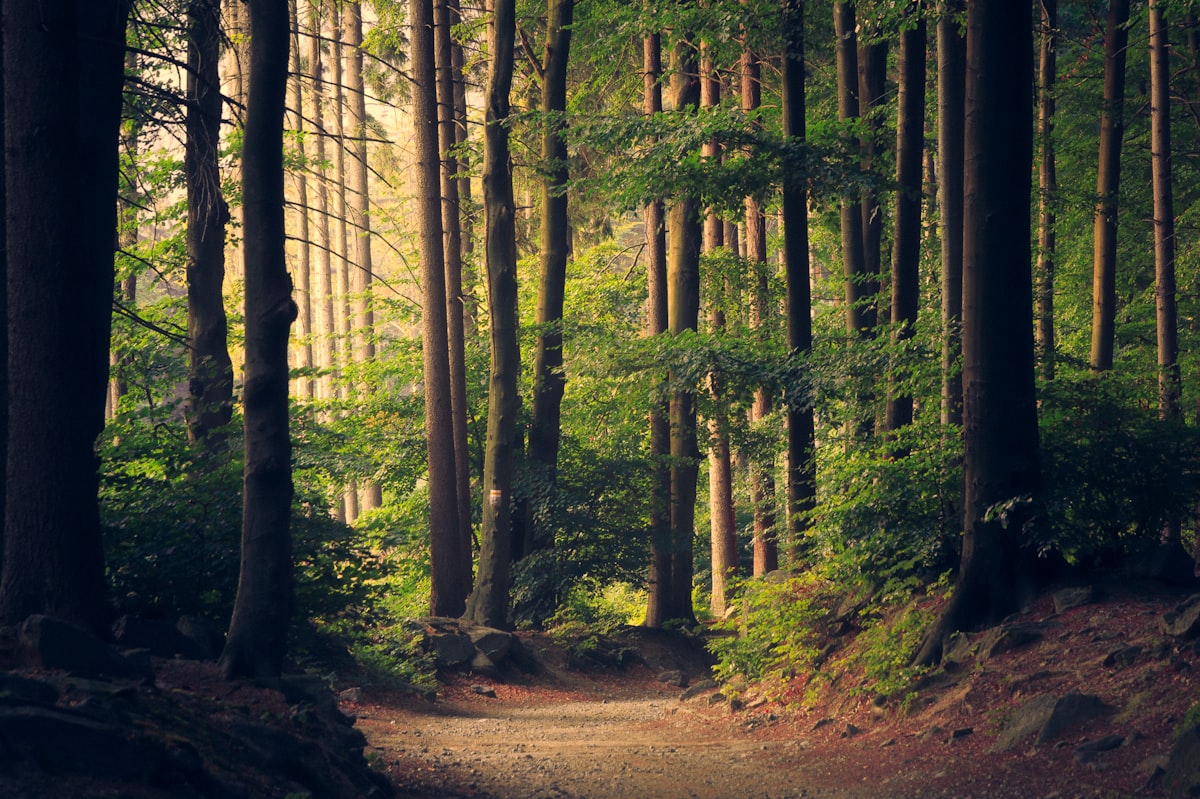
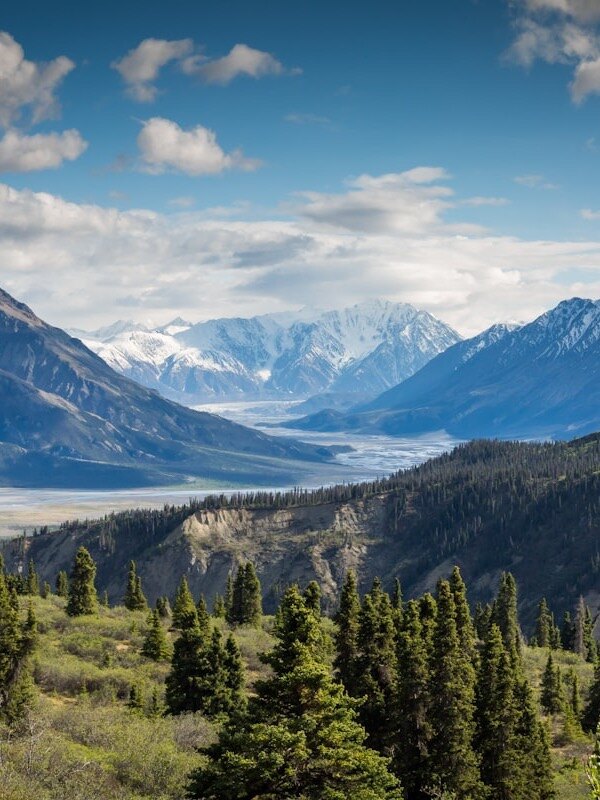

Pair
::gallery{folder="media" layout="pair"}One folder. One set of plates. Choose the layout in the directive.
Grid(cols="3")
::gallery{folder="media" layout="grid" cols="3"}One folder. One set of plates. Choose the layout in the directive.
Grid 更密(cols="4")
::gallery{folder="media" layout="grid" cols="4"}One folder. One set of plates. Choose the layout in the directive.
Masonry
::gallery{folder="media" layout="masonry"}One folder. One set of plates. Choose the layout in the directive.
Film
::gallery{folder="media" layout="film"}One folder. One set of plates. Choose the layout in the directive.
Large(默认无 lightbox)
::gallery{folder="media" layout="large"}One folder. One set of plates. Choose the layout in the directive.
Large 强制 lightbox
::gallery{folder="media" layout="large" lightbox="true"}One folder. One set of plates. Choose the layout in the directive.
Stage(沉浸 plate)
全视口 plate。说明文字叠在图上(非图下),由每文件 sidecar(title、正文、overlay、tone)驱动。lightbox 默认关——plate 已占满视口。
::gallery{folder="media" layout="stage"}One folder. One set of plates. Choose the layout in the directive.
Stage 定尺寸(ratio="1:1")
同一文件夹与图上说明,约束为阅读栏内的方块 plate(不必整屏滚动):
::gallery{folder="media" layout="stage" ratio="1:1"}One folder. One set of plates. Choose the layout in the directive.
Story(全宽滚动)
高 plate 连续滚动。图上叠加文案规则与 stage 相同。
::gallery{folder="media" layout="story"}One folder. One set of plates. Choose the layout in the directive.
Lightbox
- 浏览布局(
mosaic/pair/grid/masonry/film):默认 开,可用lightbox=false关掉。 large/stage/story:默认 关,可用lightbox=true打开。- 打开:点击图。关闭:
Esc、点背景或 ×。 - 翻页:
←/→(或两侧按钮),只在当前画廊内。 - 通过站点 SSR runtime 渐进增强;不改写 tile DOM,grid CSS 保持原样。
::gallery{folder="media" layout="grid" lightbox="false"}文件夹 content.md 与 sidecar
可选 media/content.md(及 content.zh.md 等)为沉浸模式提供短导语:
---
title: Coastal walk
---

A short coastal walk at dusk.
每文件 sidecar(如 01-ridge.md)设定 plate 文案;stage / story 会把 caption 叠在图上:
---
title: Ridge at dusk
overlay: bottom-left
tone: dark
---

Optional second line.
sidecar 与 content.md 不会被当成媒体成员。以 _ 或 . 开头的名字会跳过。
自包含媒体
- 文件放在内容条目下;展开后的相对
src仍相对条目。 - 演示图优先进仓库与内容同目录(本页如此)。外链主机一变就破图。
- 预渲染会把条目内媒体拷入 web cache,构建后相对路径可解析。
响应式(摘要)
| 断点 | 浏览布局调整 |
|---|---|
| ≤900px | grid → 2 列;mosaic → 2 列;film → 4 格 |
| ≤640px | pair 堆叠;masonry → 2 列;film → 3 格;story 取消 100vw 破版 |
| ≤380px | film → 2 格;masonry → 1 列 |
Stage 字幕在刘海屏上尊重 safe-area。更多截图见站点 issue #349 与 reference/design/gallery-responsive-evidence/。
错误与空状态
| 情况 | 结果 |
|---|---|
缺失或不可读 folder | 空画廊包装(data-empty),无空 src 破图 |
路径穿越或 URL 形式 folder | 拒绝(invalid-folder) |
| 空文件夹 | 合法空画廊 |
未知 layout | 回退为 large |
非法 ratio / width / height | 忽略该属性;画廊仍按未定尺寸渲染 |
| 运行时无 gallery expand | 指令可能原样留下——升级 ARC |
| 运行时无 sized-plate CSS | stage 仍全视口;ratio / width / height 无视觉效果 |
边界
- 这是内容条目内的媒体块,不是站点级媒体库 UI,也不是 AUP
photo-storywidget。 stage/story是同一文件夹模型的呈现模式,不是独立 contentType。- 不在本块文档中写价格、token 价值或未实现的叠加产品。
相关
- 沉浸式封面+视频 plate:沉浸式视频画廊(Expose 风格)
- 介绍文章:One folder of photos, several ways to look
- 行内单图:image
- Markdown slides(另一能力):Write and embed Markdown slides
- AUP
photo-storywidget(另一层):photo-story