Use immersive video when a plate should feel like a Live Photo: a cover still first, then a muted looping clip once the video is ready. This is still the same folder-backed ::gallery model — not a new content type, and not Expose polygon / spatial overlay scope.
Requires a Web Device runtime that includes cover+video immersion (arc#3764). Older builds still expand ::gallery{folder} and show covers; they may not crossfade into video. Upgrade the serving ARC build before treating a still-only plate as a broken sample.
Sized plates (ratio / width / height) need a runtime that includes sized-plate CSS; older builds keep full-viewport stage. Parameter details: Folder-backed media gallery.
When to use
| Use immersive video when… | Prefer something else when… |
|---|---|
| You want full-viewport plates with subtle motion | Readers only need a scannable grid → browse layouts on Folder-backed media gallery |
| You want an in-article square / fixed-height motion plate | Use ratio / width / height on stage — not a second media system |
| Each plate has a short, loopable clip | You need a free-positioned motion deck or heavy interactive video UI |
| Cover must paint immediately (slow networks / first paint) | A single inline clip belongs in ordinary Markdown / embed, not a gallery set |
Minimal example
::gallery{folder="plates" layout="expose"}In-article square plate (reading column, no full-viewport scroll tax):
::gallery{folder="plates" layout="expose" ratio="1:1"}- Create a folder next to this content object's
content.md(this page usesplates/). - Add a same-stem pair:
bay.jpg+bay.mp4(or.webm/.mov). - Optional: a per-file sidecar for on-image caption (
title, body,overlay,tone). - Render with
layout="expose"(alias ofstage), orlayout="stage"/layout="story". - Optional: size the plate with
ratio,width, and/orheight(see below).
This page keeps samples in ./plates/ so covers and videos ship in the repo (no hotlinks). License notes: plates/_ATTRIBUTION.md.
Authoring: layouts
Immersion comes from cover+video pairing in the folder, not from a separate layout engine.
layout | Role for immersive pairs |
|---|---|
expose | Alias of stage (Expose-style naming) |
stage | Full-viewport plates + on-image overlay caption (or sized via props below) |
story | Full-bleed scroll plates; same overlay rules |
Browse layouts (grid, mosaic, pair, masonry, film) and still-only large / stage plates without a video sibling stay as documented on Folder-backed media gallery. Pairing rules below still apply if a browse layout encounters video files; immersion UX is designed for stage / expose / story.
Authoring: plate size
Stage defaults to full viewport. For demos that should sit in the reading column (square Live Photo, 16 hero, fixed height), pass any combination of:
| Prop | Aliases | Example | Role |
|---|---|---|---|
ratio | aspect, aspectRatio | 1:1 · 16/9 · square | CSS aspect-ratio |
width | w | 24rem · 100% · min(100%,36rem) | Plate width |
height | h | 50vh · 400px | Plate height |
With only ratio, width defaults to min(100%, 36rem). Full parameter contract and error cases: Folder-backed media gallery — sized plates.
Cover + video pairing
Same-stem (Live Photo–like)
Put a still and a video that share the filename stem:
plates/
  01-bay.jpg
  01-bay.mp4
  01-bay.md          # optional sidecar
Accepted video extensions include mp4, webm, and mov (same stem as the cover image). Image extensions follow the gallery still set (jpg, jpeg, png, webp, …).
The cover is the plate member the gallery orders and captions; the matching video is the immersive motion layer for that plate.
Sidecar video: / poster:
When stems cannot match (or you rename assets), declare the pair in the plate sidecar:
---
title: Bay
overlay: bottom-left
tone: dark
video: clips/bay-loop.mp4
poster: covers/bay.jpg
---

Optional second line on the plate.
Paths in video: / poster: are resolved under the gallery folder (item-local), same as other gallery media — not site-level content/media/.
Use either same-stem or explicit sidecar fields for a plate; keep one clear pairing so authors and reviewers can see the contract in the folder.
Expected runtime behavior
| Phase | Behavior |
|---|---|
| First paint | Show the cover still (fast fallback). |
| When video is ready | Crossfade / swap into a seamless muted loop. |
| Audio | Playback starts muted. If the clip has an audio track, offer Unmute (user gesture). |
| Still-only plate | No video sibling → plate stays a still image (same stage/story chrome). |
| Lightbox | Defaults off for stage / expose / story (plate already owns the viewport). |
Demos on this page strip audio so the muted loop is the whole story; shipping a clip with audio is allowed — expect Unmute, not autoplay with sound.
How this differs from other gallery modes
| Concern | Browse layouts | Still-only stage/story | Immersive cover+video |
|---|---|---|---|
| Job | Scan a set; optional lightbox | Full-viewport still plates | Full-viewport plates that can move |
| Media | Images (video may appear as members depending on runtime) | Cover / image only | Cover + paired short loop |
| Caption | Usually under the tile | On-image overlay via sidecar | Same on-image overlay as stage/story |
| Motion | None by default | None | Muted loop after cover |
Do not invent Expose polygon masks, multi-layer spatial overlays, or a separate “expose content type” — those are out of scope for ::gallery.
Live sample
Same folder for every sample below: folder="plates" on this document.
Folder members:
| File | Role |
|---|---|
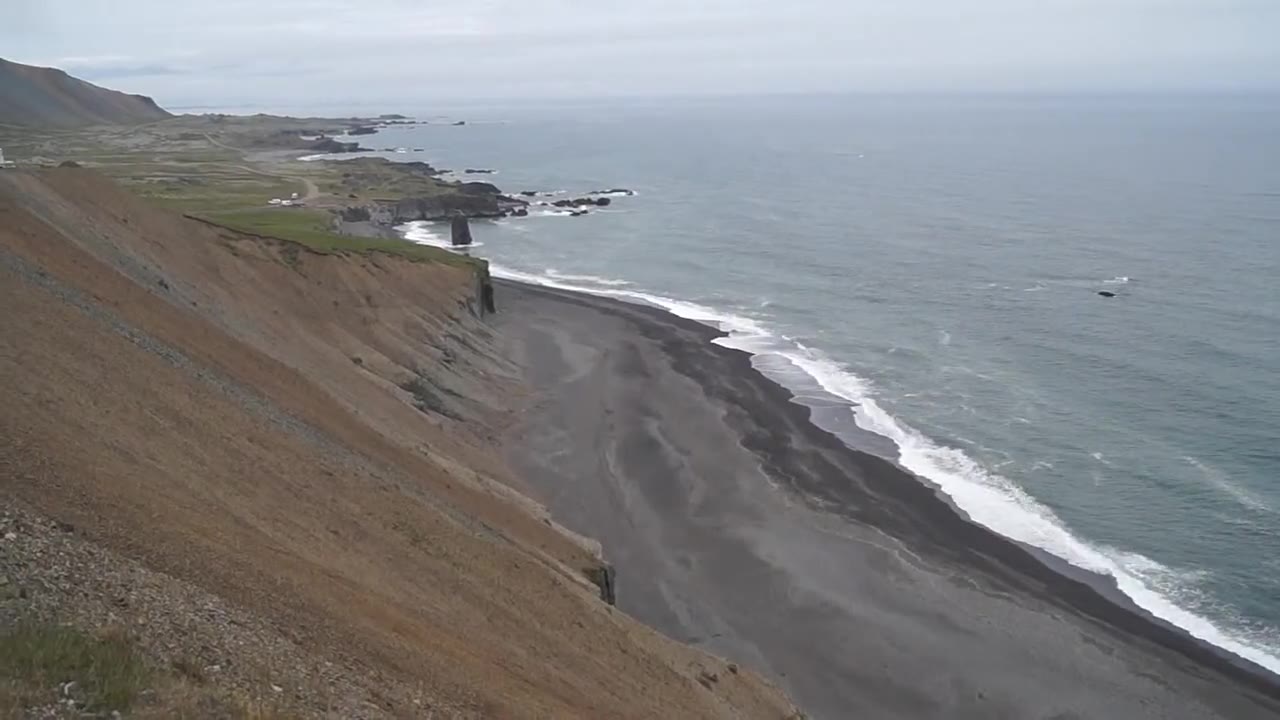
01-bay.jpg + 01-bay.mp4 | Same-stem immersive pair |
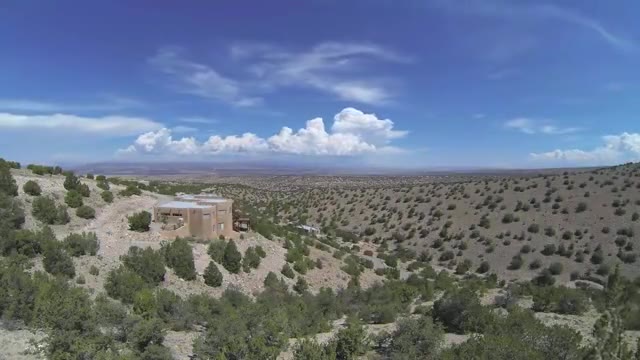
02-sky.jpg + 02-sky.mp4 | Same-stem immersive pair |
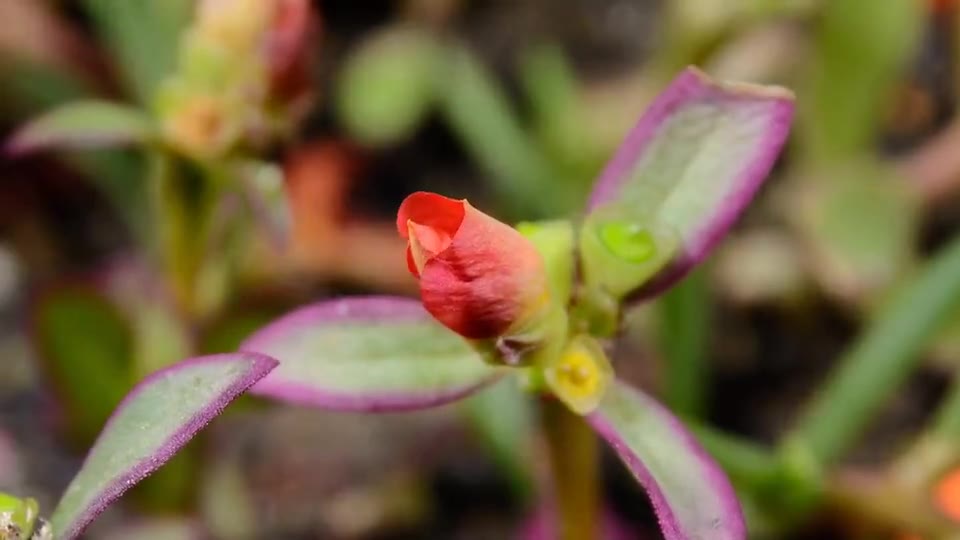
03-bloom.jpg + 03-bloom.mp4 | Same-stem immersive pair |
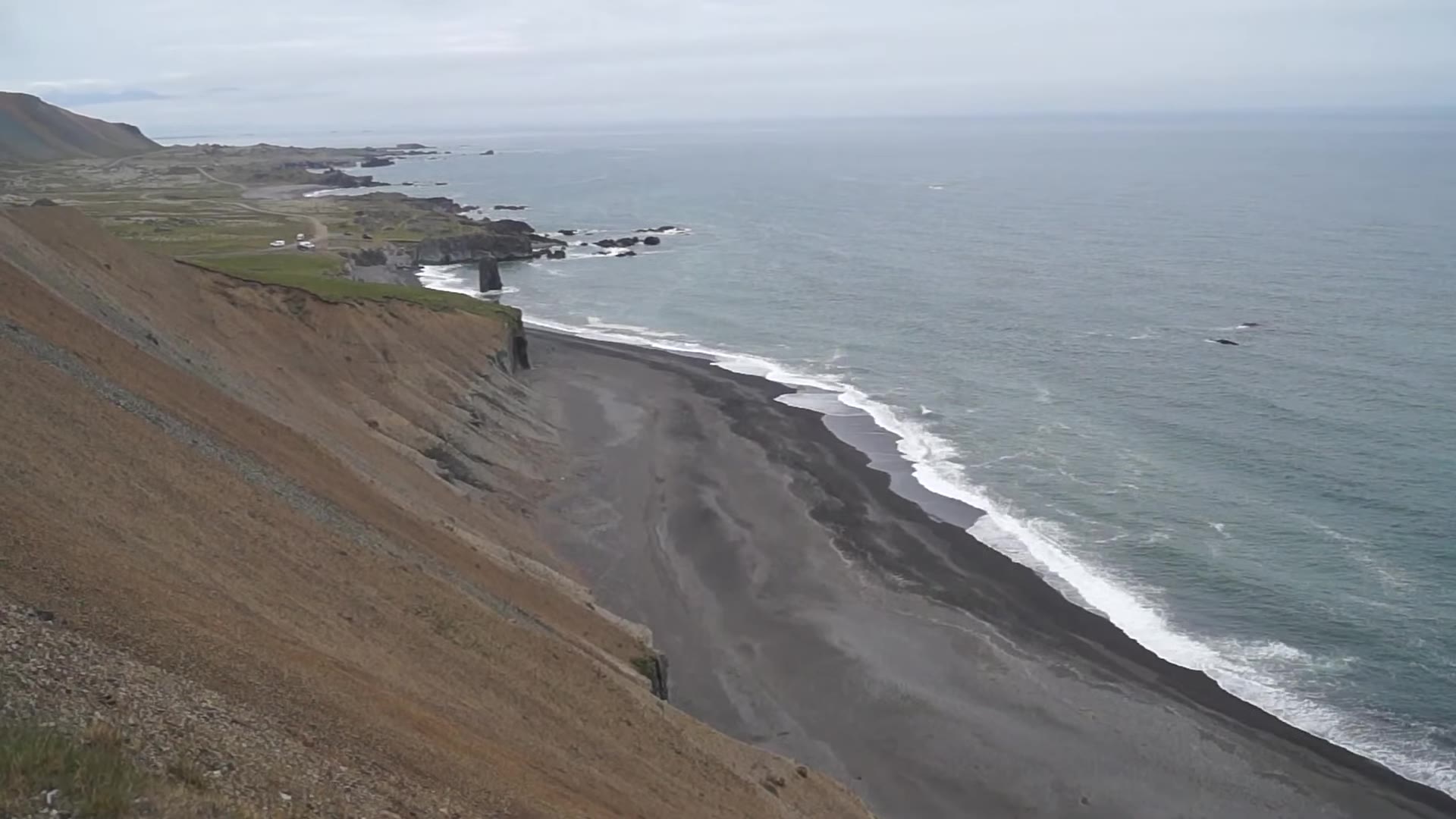
04-still.jpg | Still-only plate (contrast) |
Expose sized square (ratio="1:1")
In-article demo: same pairing, constrained plate.
::gallery{folder="plates" layout="expose" ratio="1:1"}Cover stills first. When a plate has a paired video, the runtime crossfades into a muted loop.
Expose full viewport (layout="expose")
::gallery{folder="plates" layout="expose"}Cover stills first. When a plate has a paired video, the runtime crossfades into a muted loop.
Stage (same immersion; expose is an alias)
::gallery{folder="plates" layout="stage"}Cover stills first. When a plate has a paired video, the runtime crossfades into a muted loop.
Story (scroll plates; same pairing)
::gallery{folder="plates" layout="story"}Cover stills first. When a plate has a paired video, the runtime crossfades into a muted loop.
What you should see (with arc#3764+): plates 01–03 show cover, then muted looping video; plate 04 stays still. Overlay titles come from sidecars. The sized square sample keeps that immersion inside a reading-column box. On older ARC, covers and stills still render; motion or sizing may be absent until the runtime is upgraded.
Errors and empty states
| Situation | Result |
|---|---|
| Cover without video | Still plate (valid) |
| Video without cover / poster | Depends on runtime pairing rules — prefer always shipping a cover |
| Broken or unreadable video | Cover remains; do not leave a broken empty <video> as the only paint |
Missing folder / path traversal | Same rejection rules as Folder-backed media gallery |
| Runtime without immersion | Covers and gallery expand may work; treat missing motion as a version gap, not a bad folder |
| Runtime without sized-plate CSS | Stage stays full-viewport; ratio / width / height have no visual effect |
| Invalid size props | Props ignored; immersive expand still applies |
Boundaries
- Same
::gallerydirective and item-local folder model — no new contentType. exposealiasesstage; immersion is pairing, not a parallel product.- Not AUP
photo-story, not a site-wide media library, not Expose polygon / spatial overlay. - Do not document price, token value, or unimplemented overlay products here.
Related
- Parameter tables and browse layouts: Folder-backed media gallery (
::gallery) - Introduction article: One folder of photos, several ways to look
- Runtime authoring (cover+video immersion): ArcBlock/arc#3764